

Form 1099-NEC for Tax Year 2026: FIRE File Changes and the Move to IRIS
reading time: 12 minute(s)
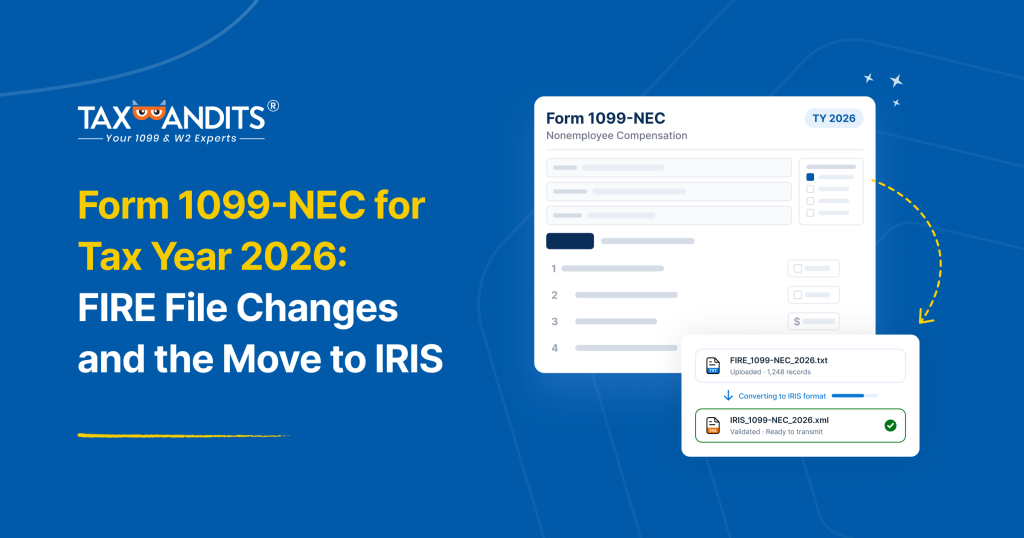
If you pay contractors, freelancers, or other nonemployees, you’ve probably sent your 1099-NECs to the IRS as a FIRE file, a fixed-width text file in the IRS Publication 1220 layout. Maybe you export it from your own system and upload it yourself. Maybe your software or provider produces it, and you or they file it.
That routine ends with tax year 2026. IRIS is now the only way to e-file 1099s with the IRS, and it can’t read a FIRE file directly.
You don’t have to rebuild yours. Upload it to TaxBandits, and we convert it into the XML that IRIS requires, check it, and file it for you.
The 2026 Form 1099-NEC also adds new boxes, so does the file itself have to change? For most filers, no. The layout works as is, unless some payees have cash tips or qualified overtime. This guide shows where the new fields (boxes 1b, 1c and 1d) go and how to write them.
What changed on the 2026 Form 1099-NEC
Box 1 is now box 1a, and the form adds three boxes beneath it:
| Box | What it reports | FIRE file change |
| 1a | Nonemployee compensation, renumbered from Box 1 | None. Stays at 55-66 |
| 1b | Cash tips, new | Yes, if payees have cash tips |
| 1c | Treasury Tipped Occupation Code(s) (TTOC), new | Yes, if payees have cash tips |
| 1d | Qualified overtime compensation, new | Yes, if payees have qualified overtime |
| 2 | Payer made direct sales totaling $5,000 or more | None. Stays at 547 |
| 3 | Excess golden parachute payments, new on the 1099-NEC (moved from the 1099-MISC) | [Position to confirm] |
| 4 | Federal income tax withheld | None. Stays at 91-102 |
The form also separates the payer and recipient address fields. TaxBandits splits these when it converts your file, so there’s nothing to change on your side. The reporting threshold is now $2,000 for tax years beginning after 2025, which changes which payees you include, not the file layout. Every existing field stays where it is.
Do you need to adjust your file?
| Your situation | Adjustment |
| No payees with cash tips or qualified overtime | None. Upload your file as is |
| Payees with cash tips | Fill in 1b and 1c |
| Payees with qualified overtime | Fill in 1d |
B record fields for tips and overtime
When you file 1099s with TaxBandits, you can choose the FIRE file upload option and bring in the file your software already produces. The standard layout has no place for boxes 1b, 1c, and 1d, so before you upload, you can assign positions for them. Use these, which are the positions TaxBandits reads:
| Box | Field | B record positions |
| 1a | Payment Amount 1 (unchanged) | 55-66 |
| 1b | Payment Amount 2: cash tips | 67-78 |
| 1c | Reserved area: TTOC | 548-553 |
| 1d | Payment Amount 3: overtime compensation | 79-90 |
Nothing else moves:
- Federal income tax withheld stays at 91-102
- The Second TIN Notice stays at 544
- The Direct Sales Indicator stays at 547
- The record is still 750 characters
How to write each field
- Amounts (1b and 1d): 12 characters, numeric, right-justified and zero-filled, with no decimal point. The last two positions are cents, so $2,150.00 becomes 000000215000.
- TTOC (1c): six positions holding up to two 3-digit codes. Put the first code in 548-550 and the second in 551-553, leaving the second blank if only one applies. If any tips came from a nonqualifying occupation, 000 must be one of the codes.
- Box 1a: it must already include the tips and overtime. Boxes 1b and 1d only show how much of that total they make up.
- Boxes that don’t apply: zero-fill the amounts and blank-fill the TTOC.
Note: Qualified overtime is the amount paid above the regular rate. For time-and-a-half, only the “half” portion goes in box 1d.
Map your file and upload it, step by step
- Find the payees with tips or overtime. This data often sits outside your vendor payments, so ask your payroll or AP team.
- Check box 1a. Confirm each total already includes their tips and overtime.
- Write the new fields in your file at the positions above, and leave every other record and field alone.
- Choose FIRE file upload in TaxBandits, assign the positions for boxes 1b, 1c, and 1d, and upload the file as plain ASCII text. Keep an untouched copy of the original.
- Review before you file. Spot-check the new boxes on a few payees, compare totals against your source system, and let TIN Matching and validation run.
Note: If your software can’t write these fields, upload the file as usual and add the values afterward through a separate CSV.
Conclusion
Mapping the new 1099-NEC boxes takes two amounts and one code, each in its own position, with box 1a still holding the full total. TaxBandits handles the rest: the conversion, the validation, and the IRIS filing.
For the wider picture, see our guide to the 2026 Form 1099 changes. When your file is ready, request a demo or start your FIRE-to-IRIS switch with TaxBandits.
Leave a Comment